How to Sign Documents on iOS Devices

E-signatures have always been a very important part of the business world. The need to execute a contract, for example, has made e-signatures an even more powerful option in our days. With the rise of the cloud technology, e-signatures are now becoming even more flexible. You can sign documents at any time, wherever, and however you want, all you need is an internet connection and a suitable device.

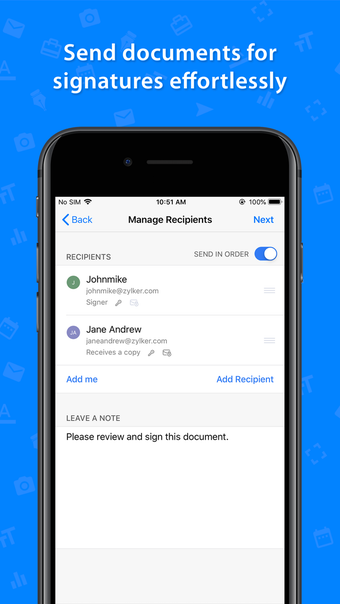
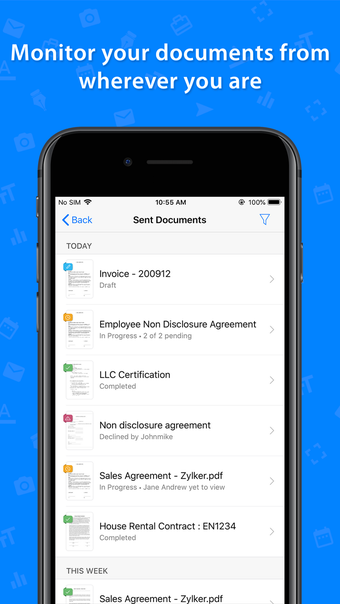
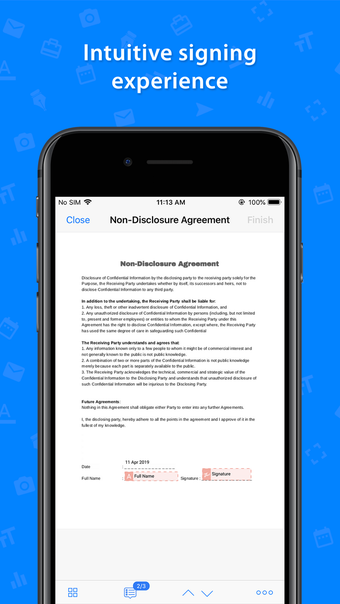
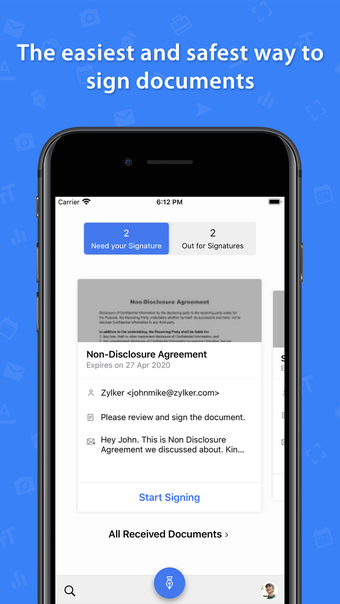
Now, you can sign documents on iOS devices with Zoho Sign. Not only is it a more convenient way to carry out the legal contract, but it is also a safer and more secure option. 

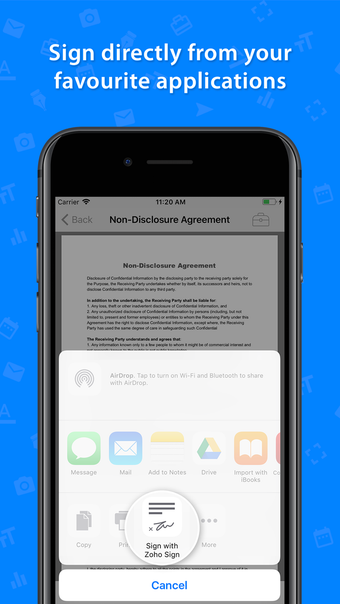
Zoho Sign supports signatures across most of the applications.
 0/5

App specs

  • License

    Free

  • Version

    6.6

  • Latest update

  • Platform

    iPhone

  • OS

    iOS 16.4

  • Language

    English

    Available languages

    • German
    • Russian
    • French
    • Swedish
    • Korean
    • Chinese
    • Portuguese
    • English
    • Italian
    • Chinese
    • Spanish
    • Japanese
    • Polish
    • Dutch
  • Downloads

    2

  • Developer

Program available in other languages


User reviews about E-signature app - Zoho Sign

Have you tried E-signature app - Zoho Sign? Be the first to leave your opinion!

Add review

You may also like

Explore Apps

Latest articles

Laws concerning the use of this software vary from country to country. We do not encourage or condone the use of this program if it is in violation of these laws.
Softonic

Is E-signature app - Zoho Sign safe?

Score result: Clean

This app is available directly from the official App Store. Since the official app stores maintain their own rigorous security standards and review processes, we rely on their trusted distribution platform rather than performing additiona scans. You can download with confidence knowing this comes straight from the verified source.

  • Virus free
  • Spyware free
  • Malware free